AI TOOL / #10766
Transcribe YouTube Video
Chrome extension for YouTube transcription, summarization and navigation.
Introduction
Chrome extension for YouTube transcription, summarization, and navigation.
What is Transcribe YouTube Video ai chrome extension/plugin?
Transcribe YouTube Videos is a Chrome extension designed to enhance your YouTube experience by transcribing videos, extracting subtitles, providing summaries and easy content navigation. It uses artificial intelligence technology to transcribe and summarize videos in multiple languages, allowing users to quickly obtain and utilize information in YouTube videos.
How to use Transcribe YouTube Video ai chrome extension/plugin?
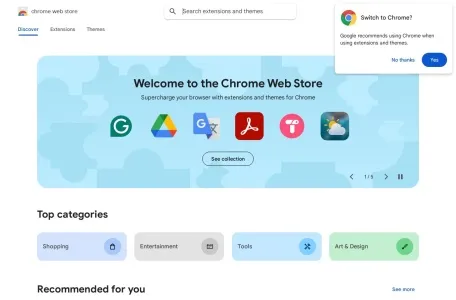
1. Install the extension from the Chrome Web Store.
2. Open any YouTube video.
3. Access the extension panel for transcripts, AI summaries, and time navigation.
4. Download or copy the text as needed.
Transcribe YouTube Video ai chrome extension/plugin core features
AI-driven transcription and summarization
Multi-language support
Time navigation with timestamps
Downloadable transcription document
Copy transcript to clipboard
Related
New AI Video Trends
Apply popular video templates to the photos.
New Kreat3D
一键从照片和草图生成3D模型
New Openbroca
AI voice input software for Mac computers
Coarena
Real-person blind evaluation list for computer-operated intelligent agents
Rena Financial Management
The personal stock analysis tool launched by Tencent
CmdRound
Using the Claude Code to assess programmer candidates through practical exercises