AI TOOL / #02089
Tomat
A code-free data analysis platform that utilizes AI to process CSV and Excel files.
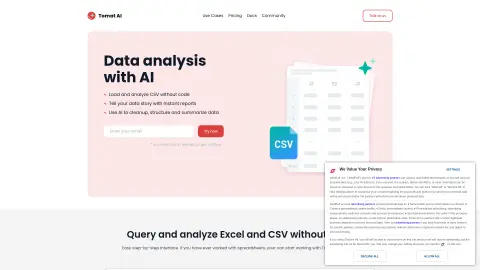
Introduction
No-code data analytics platform with AI for CSV and Excel analysis.
What is Tomat.AI?
Tomat.AI is a data analysis platform that requires no coding knowledge. It allows users to analyze CSV and Excel files through a visual, step-by-step interface. With the help of AI agents, it provides functions such as data cleaning, extraction, summarization, and sentiment analysis. Users can quickly generate reports, automate their tasks, and connect to various data sources without writing any code.
How to use Tomat.AI?
Download and install Tomat.ai. Load any CSV or Excel file. Use the intuitive user interface to perform visualizations that involve filtering, sorting, and grouping data. Take advantage of the “AI Columns” or “AI Tables” features to enrich, translate, analyze, or clean your data through natural language commands.
The core features of Tomat.AI
Code-free data analysis
AI-driven data conversion
Visual, step-by-step interface
Automatic data analysis
Data reporting and export
Related
Google Transcribe & Summarize Live
A Chrome extension designed for automatic transcription, summarization, and visual representation of Google Meet meetings.
Obiklip
A video editor for presentation content, featuring automatic transcription and editing capabilities.
Klu
An AI meeting minutes tool for investors to capture, transcribe, and organize meeting information.
AudioNotes
The Artificial Intelligence Note-taking Assistant converts audio, video, and text into structured notes and content.
Bubbles
AI-based meeting recording assistants and screen recording tools that enhance productivity and enable asynchronous communication.
AiGenda
AI-based platform for automated meeting summaries and detailed notes.