AI TOOL / #02660
Grok Button
A browser extension that provides quick access to Grok AI.
Introduction
A browser extension for quick access to Grok AI.
What is a Grok Button?
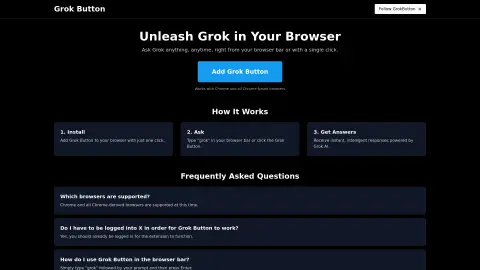
The Grok button is a browser extension that seamlessly integrates the powerful capabilities of Grok AI into your web browser. Users can submit their questions by entering “grok {your question}” in the browser address bar or by clicking the Grok button, and they will receive instant, intelligent responses.
How to use the Grok Button?
Install the Grok button extension. To use it, enter “grok” followed by your question in the browser address bar, then press Enter, or click the Grok button.
The core functionality of the Grok Button
Quickly access Grok AI from your browser.
Answer questions immediately
Integration with Chrome and Chrome-based browsers
Related
Howseen AI
Check brand visibility in AI answers.
ToneBird
AI reply assistant that remembers tone
Hyrax AI
An AI architect who is responsible for studying the entire codebase.
ManyPI
AI-Powered Sales Lead Generation and Cold Email Outreach
GoAI
AI-based Research and Investment Assistant as well as Market Intelligence Tool
AINA
End-to-end AI recruitment and interview platform