AI TOOL / #03133
Cherry Studio
A multi-model AI desktop client suitable for multiple platforms.
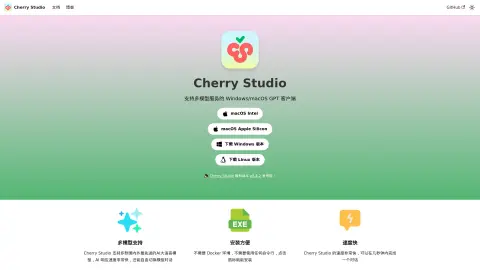
Introduction
Multi-model AI desktop client for various platforms.
What is Cherry Studio AI?
Cherry Studio AI is a multi-model AI desktop client available for iOS, macOS, Windows, and Linux. It enables users to quickly switch between various advanced LLM models, thereby enhancing their productivity in work and study. The software supports integration with numerous service providers and offers features such as local data storage for privacy protection, personalized knowledge bases, AI-powered drawing tools, AI translation capabilities, and a built-in assistant library.
How to use Cherry Studio AI?
Download the Cherry Studio AI client suitable for your operating system (iOS, macOS, Windows, or Linux). After installation, you can integrate API keys from various service providers. Then, you can start using AI models to perform tasks such as conducting AI-powered conversations, processing documents or images, creating digital artwork, performing translations, and building customized knowledge bases.
The core features of Cherry Studio AI
Support for multi-model AI
Cross-platform compatibility (iOS, macOS, Windows, Linux)
Local data storage is used to protect privacy.
Personalized knowledge base integration
AI-generated drawings
AI translation
Built-in AI assistant
Related
iMean
While chatting, I booked my flight tickets and arranged my hotel accommodations.
Maximem Synap
Memory layer for AI agents
RankControl
SEO/GEO platforms for content generated by AI and then published online
PostSider
A social media scheduling tool that lets AI agents post on your behalf.
Context.dev
Web page data API for AI agents
Anysite.io
Providing B2B real-time data to AI agents