AI TOOL / #04701
Add to.co – Capture prospects as you browse
A simple CRM tool with Chrome extensions, designed to facilitate the discovery and management of contacts.
Introduction
A simple CRM with a Chrome extension for easy contact discovery and management.
What is the to.co.ai Chrome extension/plug-in?
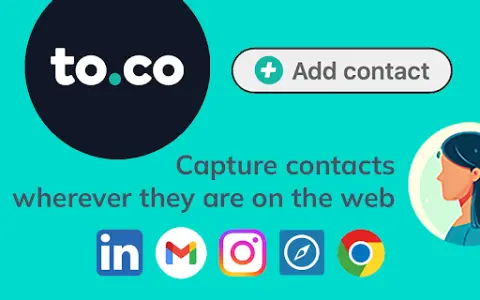
to.co is a simple Customer Relationship Management (CRM) tool designed to enhance the effectiveness of sales, marketing, or recruitment efforts by streamlining the process of finding and saving new contacts online. It offers a Chrome extension that allows users to add contacts and companies from supported websites such as LinkedIn, Sales Navigator, X, Instagram, and GMail, and automatically enriches contact information with publicly available data.
How to use the to.co AI Chrome extension/plug-in?
1. Install the free Add to.co extension in Chrome.
2. Register an account at https://to.co/.
3. Fix the Add to.co extension to the Chrome toolbar.
4. While browsing the web, add contacts and companies from supported websites.
5. The system will automatically enrich your contact information using public data.
The core functionality of the to.co AI Chrome extension/plug-in
A convenient Chrome extension for saving contacts
Automatically enrich contact information using public data.
A simple CRM is used for managing contacts and companies.
Potential customer discovery feature, designed to help in locating B2B companies.
Related
My Love for Cracking Forum
The WaiAi Crack Forum is a community dedicated to software security, virus analysis, and technical exchanges in the fields of PC software security and mobile security. For the average user, WaiAi Crack is a place to share original utility tools and find portable cracked software. Content posted by users is reviewed by staff and
GitHub File Acceleration
Acceleration for GitHub releases, archives, and project files! Whether the GitHub file link includes a protocol header or not is not an issue; releases, archives, and individual files are all supported. The links generated by right-clicking on these files are all in compliance with relevant standards. For more usage information, please refer to…
PixPix
Generation of AI-based e-commerce templates and videos
New Vaani
AI-Powered Telephone Voice Agent Development Platform
New Athel AI
AI-assisted patient reception and preliminary data collection during consultations in medical institutions
NewEmbage
Website customer service chat and voice intelligence