AI TOOL / #05809
DigiFace
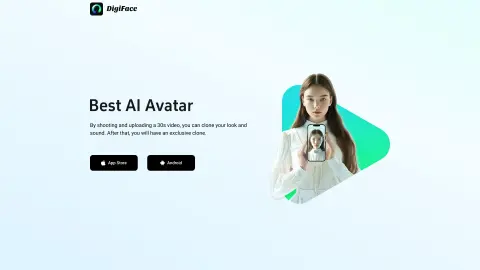
DigiFace uses 30-second videos and text to generate AI-generated avatar videos.
Introduction
DigiFace creates AI avatar videos from a 30s video and text.
What is DigiFace?
DigiFace allows you to seamlessly transform your appearance and voice into an engaging AI avatar video by simply recording and uploading a 30-second video. By entering text, you can instantly generate an AI avatar video with synchronized speech, saving time and improving productivity. With just one 30-second video recording, you can create a clone of yourself in terms of both appearance and voice – and thus obtain a unique digital version of yourself.
How to use DigiFace?
Record and upload a 30-second video to clone your appearance and voice. Then, enter the text you would like to have appear on your avatar, and DigiFace will generate an AI avatar video with that voice.
The core functions of DigiFace
Generation of AI avatars and videos
sound cloning
Physical appearance cloning
Text-to-speech avatar videos
Related
Cosyra
The terminal where Claude Code runs on mobile devices
LiveReview
Code review with automatic approval based on risk levels
Pachat
Have multiple AI assistants in the same group verify each other’s work.
Yuanbao Search
AI web search developed by Tencent
Nowistay
An AI-powered partner for short-term rental property owners
Collection of Open-Source WEB Mini-Games
An open-source platform that brings together 60 excellent H5 games. All these games are sourced from open-source projects on the Internet and cover a wide range of genres, including action, puzzle, racing, shooting, and more. You can play them online instantly whenever you want.