AI TOOL / #06199
ThetaWave AI
An AI note-taking tool designed for students, capable of converting various formats into useful learning materials.
Introduction
AI note-taking tool for students, converting various formats into study materials.
What is Thetawave AI?
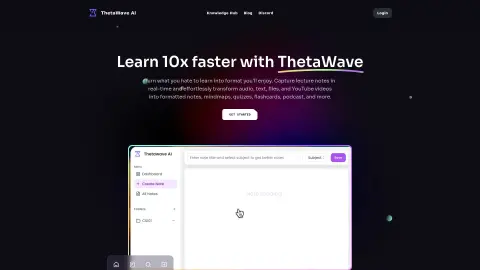
Thetawave AI is an AI-based note-taking tool designed specifically for college students. It is capable of converting audio, text, files, and YouTube videos into formatted notes, and allows users to customize the level of detail included in these notes. Its purpose is to help students learn more quickly and efficiently by transforming various types of content into easily digestible forms such as notes, mind maps, quizzes, flashcards, and podcasts.
How to use Thetawave AI?
Real-time capture of lecture content, or the uploading of documents (in PDF, Word, or text format) as well as YouTube videos. Thetawave AI will then convert this content into structured notes, mind maps, quizzes, flashcards, and other useful formats.
The core features of Thetawave AI
Real-time audio transcription and note-taking generation
Converting documents and YouTube videos into notes
Customizable level of detail in notes
AI-powered quiz and flashcard creation
Mind map generation
Personalized podcast creation
Related
Topmediai
TopMedia provides content creators with AI-powered tools for dubbing, music production, and video editing.
SuperMaker AI Video Generator
An integrated AI video generator that combines audio, images, and music.
Salemaker
Salemaker uses AI to generate personalized videos in order to improve response rates and attendance levels at meetings.
Sync Labs
An AI video lip-syncing tool that enables real-time lip synchronization and seamless translation.
AI Commerce Content Platform by Akool
A generative artificial intelligence platform for personalized visual marketing and advertising.
Funny Face
In the conference video, use p5.js and face-api.js to replace the cartoon elements that represent faces.