AI TOOL / #06677
Voice Control for Netflix
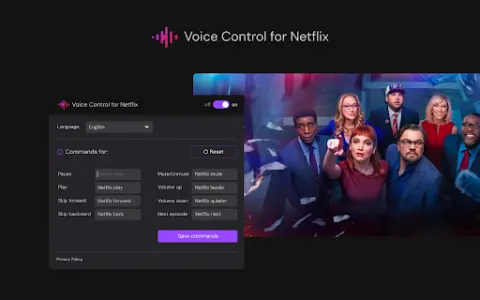
Use voice control to operate Netflix: play, pause, fast-forward, and more.
Introduction
Control Netflix with your voice: play, pause, fast-forward, and more.
What is the Voice Control for Netflix AI Chrome extension/plugin?
Netflix’s voice control allows users to manage their Netflix experience via voice commands. This includes tasks such as playing, pausing, and advancing videos, all without the need to use a remote control or touch the screen.
How to use the Voice Control feature for the Netflix AI Chrome extension/plug-in?
Simply enable Netflix’s voice control, and then use voice commands to control playback, navigate the menu, and search for content.
The core functionality of the Netflix AI Chrome extension/plugin for voice control
Use voice control to operate Netflix playback functions (play, pause, fast forward, rewind).
Hands-free navigation, Netflix menu
Voice search for films and TV shows
Related
Delve
AI-based market research and marketing software that enables users to generate and create synthetic profiles for analytical purposes.
prolific.com
A platform that connects researchers with verified participants in order to facilitate the collection of high-quality data.
OmniScholar
An AI-powered research platform that streamlines academic workflows from discovery to publication.
Buildots
AI-based construction management, utilized for progress tracking and the reduction of delays.
Dragonfly AI Extension
Measure and analyze digital experience performance in real time using predictive attention algorithms.
Weather Me Good
AI-powered weather forecasts, activity suggestions, and restaurant recommendations for travel destinations.