AI TOOL / #06683
VoiceChatter
Convert speech into text in Chatter format.
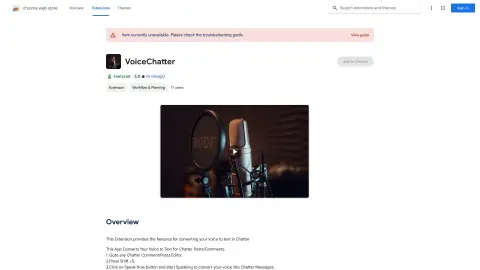
Introduction
Converts voice to text for Chatter posts and comments.
What is the Voice to Chatter Converter AI Chrome extension/plug-in?
This application converts your voice into text for Chatter, allowing you to create messages quickly and easily using voice recognition technology.
How to use the Voice to Chatter Converter AI Chrome extension/plug-in?
1. Open any Chatter comment/posting editor.
2. Press Shift + S.
3. Click the “Speak Now” button and start speaking; your voice will be converted into a Chatter message.
The core functionality of the Voice to Chatter Converter AI Chrome extension/plug-in
Chatter's text-to-speech function
Related
Anysite.io
Providing B2B real-time data to AI agents
BiBimba
Mac clipboard and screenshot OCR tool
siift
Use AI to clarify your entrepreneurial ideas.
Agent Store
AI smart store that can send text messages
Slashy
An AI assistant that handles your emails for you.
cite a wide range of sources
AI-themed learning tools