AI TOOL / #06745
Meetklu
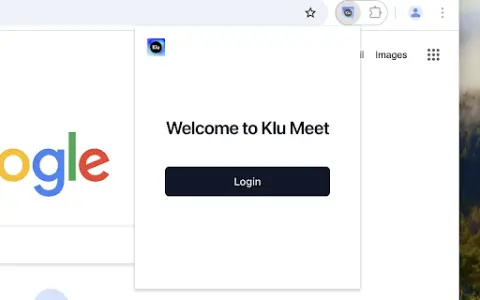
Klu Meet captures and transcribes meetings, while also providing AI-generated notes.
Introduction
Klu Meet captures, transcribes, and provides AI-generated notes for meeting sessions.
What is the Klu Meet AI Chrome extension/plug-in?
Klu Meet enables you to easily capture, transcribe, and review the key moments of any meeting. With just one click, you can record both the video and audio of the current meeting, and then securely upload the captured content to Klu’s platform for automatic transcription. After the meeting is over, you can simply open the Klu dashboard to view clear, searchable transcriptions as well as AI-generated notes – all of which help you stay focused during the call and allow you to refer back to important details later on.
How to use the Klu Meet AI Chrome extension/plug-in?
Just click once to record both the video and audio of your meeting. Upload the content to Klu for automatic transcription. Later, you can view the transcribed text as well as the notes generated by AI on your Klu dashboard.
The core functions of the Klu Meet AI Chrome extension/plug-in
Meeting recording (video and audio)
Automatic transcription
Safe content uploading
Searchable transcribed text
Notes generated by AI
Access to the Klu dashboard
Related
Lightning simulator
An emulator designed for running Android mobile games and applications on PCs. It is renowned for its high performance and stability, and supports multi-window operation as well as control via keyboard and mouse.
Offstage Cloud
Cloud-based macOS sandbox for AI agents
Douban Reading
Original Literature and Digital Publishing Platform
Project Gutenberg
A globally renowned library of free e-books
OpenStax
Free Open University Textbook Platform
The Millions
An independent literary criticism and reading platform