AI TOOL / #07070
TranslateAir
AI-driven translation and OCR tools suitable for macOS.
Introduction
AI-powered translation & OCR tool for macOS.
What is TranslateAir?
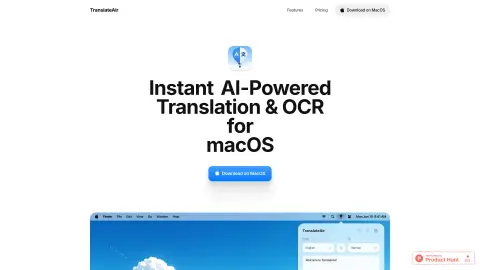
TranslateAir is an AI-powered translation and Optical Character Recognition (OCR) tool designed for macOS. It enables users to instantly translate text from any application, website, or document. Its features include a real-time floating toolbar, intelligent rewriting options, customizable shortcuts, access via the menu bar, as well as advanced OCR capabilities that allow users to capture text from anywhere.
How to use TranslateAir?
Select text from any application, website, or document. A floating toolbar will immediately appear beside it, making the translation process extremely easy. You can also use custom keyboard shortcuts to initiate translations or perform OCR operations.
The core functions of TranslateAir
AI-driven translation
Intelligent rewriting
pop-up translation
Text OCR extraction
keyboard shortcuts
Multi-language support
Related
JobBridge
An AI interview assistant that provides real-time support and tailored responses.
Coval
Coval: An AI agent simulation and evaluation platform designed for faster and more reliable development.
EduX
The AI-powered Duolingo English exam practice platform provides scoring and feedback.
AISpeak
AISpeak is an artificial intelligence platform designed to help people practice and improve their English speaking skills.
Hedy 2.0 MacOS App
An AI-powered assistant for meetings and classrooms, providing real-time insights and support.
Language REACTOR
A language learning toolkit designed for use with Netflix, YouTube, books, and web pages, featuring dual subtitles and artificial intelligence capabilities.