AI TOOL / #07091
ScreenRedact
A Mac application designed to use local machine learning techniques to identify and highlight text within images.
Introduction
Mac app for redacting text in images using on-device machine learning.
What is ScreenRedact?
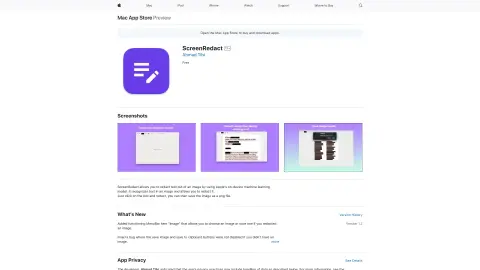
ScreenRedact is a Mac application developed by Ahmad Tibi that allows users to quickly conceal sensitive information from images. It utilizes Apple’s native machine learning technology to identify text within images and provides a user-friendly interface for masking those areas. The modified images can then be saved in PNG format.
How to use ScreenRedact?
Open an image in ScreenRedact, and the application will automatically detect any text present. Click on the text to darken it. Save the darkened image as a PNG file.
The core functions of ScreenRedact
Using Apple’s native machine learning technologies for text masking/darkening.
Save the image in PNG format.
Copy the image to the clipboard.
Related
factfully
Factfully is an AI-powered tool designed to identify false information.
InTouch: LinkedIn auto connections & messages
LinkedIn automation tools designed for generating leads and conducting outreach efforts.
Phantomwriter
AI tools are used to automate the creation of LinkedIn content and promote brand growth.
Jailbroken ChatGPT
Unrestricted access to ChatGPT is provided via an API key.
Cramly AI
Cramly is an AI platform that can help students make the most of their study time and improve their academic performance.
Humanizer.org
Humanized AI tools enable AI-generated text to sound more natural and help bypass AI detection systems.