AI TOOL / #07230
hahaOCR
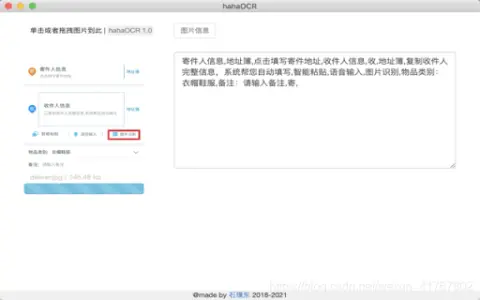
Extract text from the image; press the ESC key to exit.
Introduction
Extract text from images and exit with ESC.
What are the Image to Text and ESC Exit App AI Chrome extensions/plugs?
This application allows users to extract text from images and convert it into editable text. Users can upload images by clicking a button and exit the application by pressing the “ESC” key.
How to use the Image to Text & ESC Exit App AI Chrome extension/plug-in?
Click the upload button to select an image. The application will automatically extract the text from the image and display it. Press the “ESC” key to exit the application.
The core functionality of the Image to Text and ESC Exit App AI Chrome extension/plugin.
Image to Text conversion
Use the ESC key to exit the function.
Related
ibuyprompts
An AI freelance marketplace for buying and selling AI prompts, products, and services.
eticasconsulting.com
Eticas AI provides ethical AI auditing, compliance and algorithmic fairness solutions.
Double A Framework: AI-Driven Innovation
A framework for navigating and leveraging artificial intelligence, integrating AI, Agile, and design thinking.
Dairytech.ai
Dairytech.ai offers technical solutions for the entire dairy supply chain.
neoteric.eu
Technology partner for custom software, product design and artificial intelligence implementation.
Soratech
Provide automated consulting services for startups and agencies to optimize their operations and reduce costs.