AI TOOL / #07326
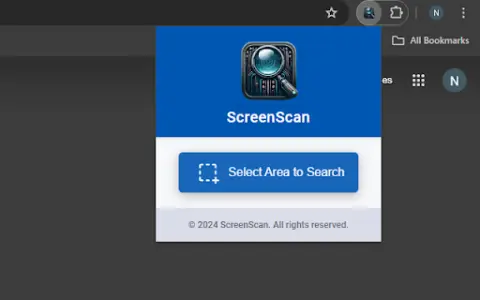
ScreenScan – Instant Screenshot Search
Google Lens: Instantly capture, search, and explore images, videos, and text online.
Introduction
Google Lens: Instantly capture, search, and explore images, videos, and text on the web.
What is the Google Lens AI Chrome extension/plugin?
Google Lens is a powerful tool that allows users to instantly capture, search, and explore any image, video, or text online with a simple tap. It uses advanced image recognition technology to provide relevant information and insights based on what it sees. Whether you want to identify a plant, translate text in real time, find similar products, or learn about a landmark, Google Lens can help you discover more about the world around you.
How do I use the Google Lens AI Chrome extension/plugin?
Simply tap an image, video, or text on a web page, and Google Lens will analyze the content and provide relevant information, search results, and related actions.
Core Features of the Google Lens AI Chrome Extension/Plugin
Image Recognition
Text Translation
Product Identification
Object Recognition
Visual Search
Related
Applystead
A free AI job-search tool that tailors your resume to job requirements.
AirJelly
Desktop AI that remembers your work context and proactively reminds you
GoodSocials
An AI social media manager who runs LinkedIn for you
RenamerX
Batch rename files with local AI
AgileHero
A Kanban board that AI assistants can operate directly.
NotchLive
Real-time subtitle translation within the notch on the Mac screen