AI TOOL / #10818
Voicemod
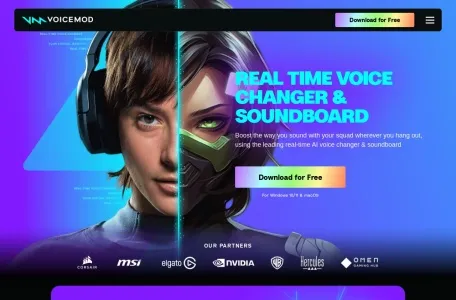
Real-time AI voice changer and sound effect software compatible with both PC and Mac.
Introduction
Real-time AI voice changer and soundboard for PC and Mac.
What is Voicemod?
Voicemod is a real-time AI voice changer and sound effect software, available for both PC and Mac. It allows users to modify their voices using various effects, enabling them to sound like girls, robots, or other characters. The software also includes a sound effect panel that can be used to add audio effects during voice chats and live broadcasts. Voicemod is compatible with numerous online platforms, including Discord and in-game voice chat systems.
How to use Voicemod?
1. Download and install Voicemod.
2. Set the Voicemod virtual microphone as the input device in the desired application or game.
3. Choose a sound filter or effect.
4. Begin using your modified voice.
The core functions of Voicemod
real-time voice transformation
Sound effect panel with a variety of sound effects
Use Voicelab to create and customize your own voices.
Integration with a variety of online platforms
Sound recorder
Related
DesiVocal
DesiVocal is a free AI-powered voice generation tool that offers high-quality audio dubbing in multiple languages.
Vbee AI Voice
An artificial intelligence voice solution designed to assist in content creation, featuring text-to-speech conversion, dubbing services, and sound cloning capabilities.
MMAudio pro
AI-powered tools for video-to-audio conversion and text-to-audio transformation.
SendFame
An AI platform for creating video messages, songs, and images, with celebrity AI features.
StarVoiceAi
Celebrity Voice and Video Generator, used for creating humorous short videos and personalized greetings.
UIsnapper
Convert UI screenshots into AI-generated prompts, enabling quick and code-free UI cloning.