AI TOOL / #02447
Julius AI – Analyze Google Sheets with ChatGPT
An artificial intelligence data analysis tool designed for use with Google Sheets.
Introduction
AI-powered data analysis tool for Google Sheets.
What is the Julius AI Chrome extension/plug-in?
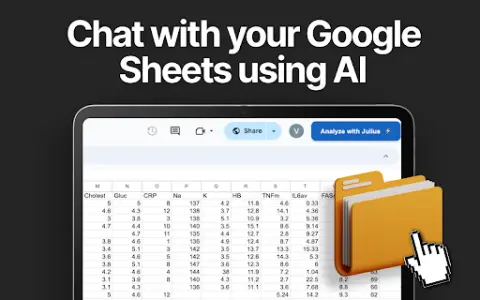
Julius is a data analysis tool powered by artificial intelligence. It utilizes ChatGPT and Anthropic to assist users in visualizing and analyzing their Google Sheets data. This Chrome extension enables users to connect their Google Sheets to Julius AI with just one click, enabling a range of data analysis tasks, the creation of dynamic visuals, easy extraction of valuable insights, and the generation of AI-generated reports.
How to use the Julius AI Chrome extension/plug-in?
1. Click “Add to Chrome”.
2. Open the Google Sheet you wish to analyze.
3. Set the sharing options of that Google Sheet to public.
4. In the top-right corner of the Google Sheet, click “Analyze cells A1:B5 using Julius”.
The core functions of the Julius AI Chrome extension/plug-in
Multifunctional data analysis based on GPT-4
Dynamic graphic generator for basic and advanced charts
Intuitive controls for data grouping, filtering, and transformation
AI-powered report writing
Related
Audio to Text for Whatsapp Web
The Whatsapp Web extension uses OpenAI’s Whisper API to automatically transcribe audio messages.
Neural Wave
Artificial intelligence-based medical automation is designed to reduce the number of non-billing tasks.
AI Photo
The software studio develops practical applications designed for macOS, iOS, and visionOS.
voam
Create documents using voice memos and send them to the CRM’s AI platform.
Gami
AI time management tool that converts diary entries into time-use records.
008
An open-source VoIP phone that incorporates AI-based transcription, summarization capabilities, as well as integration with CRM systems.