AI TOOL / #06796
AutoPod
An Adobe Premiere Pro plugin for automatic video podcast editing.
Introduction
Adobe Premiere Pro plugin for automatic video podcast editing.
What is AutoPod?
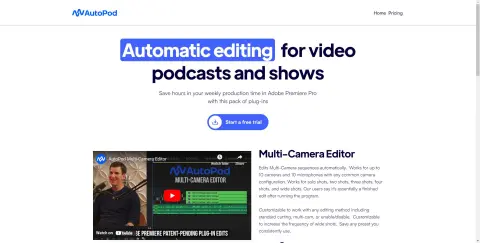
AutoPod is a set of plugins for Adobe Premiere Pro, designed specifically for video podcast and video program editors. It automates tasks such as multi-camera editing, creation of social media-ready content, and seamless editing based on audio silence markers. By streamlining processes that often prove time-consuming for editors, AutoPod helps to save valuable production time every week.
How to use AutoPod?
Install the AutoPod plugin in Adobe Premiere Pro. Open a project file in Premiere Pro, navigate to Window > Extensions, and then click on the desired AutoPod application. Use these tools to automatically edit multi-camera videos, create social media-ready clips, or add transitions based on audio silence.
The core functions of AutoPod
Automatic multi-camera editing
Social media content creation
Jump-cut editing
Related
Supernormal: AI Meeting Notes
An AI-based meeting minutes tool that generates meeting records, summaries, and action items.
Memory Lane
A platform for families to capture, save and share life stories and wisdom, using artificial intelligence.
Dorascribe
AI medical assistants convert consultations into EMR text to enable efficient medical documentation.
ScribeBerry
AI medical records tools for recording, documentation and transcription.
Bluedot
An AI note-taking, transcription, and meeting summarization tool for Google Meet, Zoom, and MS Teams.
OmniAI.Club
An AI-powered content creation platform with tools for writing, coding, images, voice, and music.