AI TOOL / #06965
AudiblDoc – Text to Speech
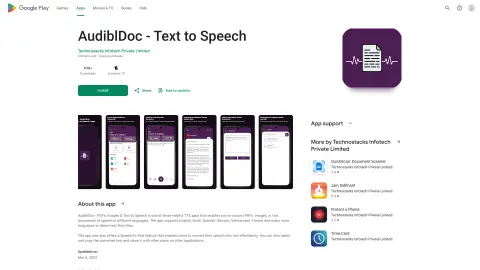
AudiblDoc converts PDF files, images, and text into audio, and vice versa – it supports multiple languages in this process.
Introduction
AudiblDoc converts PDFs, images, and text to speech and vice versa in multiple languages.
What is AudiblDoc?
AudiblDoc is an application that enables text-to-speech and speech-to-text conversion. It allows users to convert PDF files, images, or text documents into both audio and text formats, and it supports multiple languages—including English, Hindi, Spanish, German, Vietnamese, and French. The application also utilizes artificial intelligence to analyze user behavior and automatically sets the default mode to either text-to-speech or speech-to-text based on the user’s preferences.
How to use AudiblDoc?
Users can upload PDF files, images, or text documents in order to have them converted into audio. Alternatively, they can use the voice-to-text function to convert spoken words into text. This application allows users to copy and paste text, save files, and adjust audio settings as needed.
The core functions of AudiblDoc
Text-to-speech conversion
Speech-to-text conversion
Multilingual support
AI-based default mode selection
Supports PDF, image, and text documents.
Related
China Personnel Examination Network (CPTA)
Official platform for professional qualification exams: registration, syllabi, scores and certificates.
MIT OpenCourseWare
MIT course materials open to the public: handouts, assignments and exams.
Ootto AI
Automatically creating marketing videos by analyzing your website content
Incredible
A computer-based intelligent agent that can help you find work to do.
Impractical
Using conversations to create product animation videos
Manufact
MCP Application Hosting and Listing Verification