AI TOOL / #07036
Keep it shot
Mac app for AI-powered screenshots and media file renaming and offline search.
Introduction
Mac app for AI-powered screenshot and media file renaming and offline search.
What is Keep It Shot?
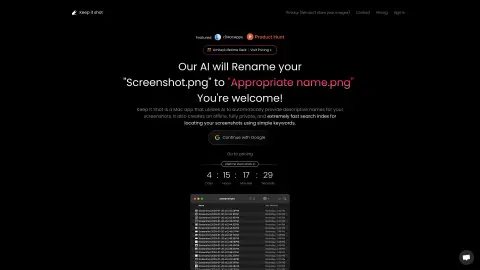
Keep It Shot is a Mac app that uses AI to automatically give your screenshots and other media files descriptive names. It creates an offline, completely private, and fast search index that locates your files by keyword. It also allows batch renaming of files and reverting to original names if needed.
How to use Keep It Shot?
Download the Keep It Shot Mac app. Define your renaming preferences. The app uses AI to automatically rename screenshots and other media files. Find files by keyword using offline search.
Keep It Shot Core Features
AI-driven screenshot and media file renaming
Offline, private and fast search indexing
Batch rename
Revert to original name
Related
Talk With Me ChatGPT
Chrome extension that supports voice communication in ChatGPT, with speech recognition and text-to-speech capabilities.
TabTalk – Audio Summaries for Efficient Browsing
TabTalk provides audio summaries of the open browser tabs, thereby enhancing work efficiency and reducing information overload.
Honkist
Honkist: Using AI to provide summaries of nonfiction books for faster learning.
MyVocal Voice Synthesizer
An artificial intelligence platform used for sound cloning, artificial intelligence-based singing, and text-to-speech conversion.
CapCut
CapCut is an all-in-one, AI-powered video editing and graphic design tool.
TTS Text To Speech – Voice Reader Online
AI tools are used for text-to-speech conversion and text summarization.