AI TOOL / #07048
Honeybear.ai
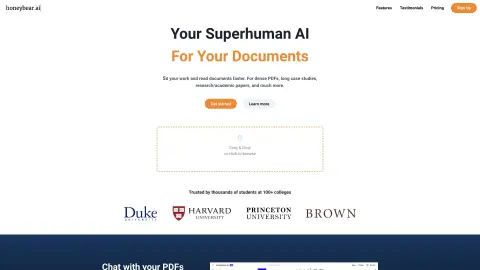
An AI assistant for PDFs, videos, and documents – capable of conducting conversations, summarizing content, and extracting information.
Introduction
AI assistant for PDFs, videos, and documents, enabling chat, summarization, and information extraction.
What is Honeybear.ai?
Honeybear.ai is an artificial intelligence assistant designed specifically to handle complex PDF files, videos, and other types of documents. It allows users to interact with any PDF document, extract key information, summarize its content, generate notes or practice questions, and much more. The software supports scanned documents and incorporates OCR technology, enabling it to process documents with up to 400 pages. It also offers features such as converting PDFs into audio books and answering questions related to images within the documents. Honeybear.ai is committed to providing high-quality, accurate, and detailed responses, always including page references.
How to use Honeybear.ai?
Users can upload PDF files, videos (.mp4 format), or paste YouTube links onto Honeybear.ai. After uploading, they can interact with the documents or videos by asking questions, requesting summaries, extracting key information, or performing other tasks. The AI will provide responses that include citations of the original sources.
The core functions of Honeybear.ai
Converse with PDFs and videos
Extract key information
summary document
Generate notes and practice questions.
Supports scanning documents that include OCR data.
Converting PDF files into audiobooks
Ask questions about the images contained in the document.
Multi-PDF Dialogue
Related
XuetangX
Tsinghua-initiated MOOC platform with free access to most courses.
Generation of scrolling video for novels
This tool arranges the entire novel into a continuous stream of text, allowing it to scroll smoothly from bottom to top on a vertical screen – much like the subtitles at the end of a movie. The formatting, previewing, exporting, and saving of the project are all done locally within your browser; neither the main text nor any media files will be uploaded to any server.
Image Prompt Studio
Generate AI painting prompts based on field names.
Mermaid
The AI-based drawing tool developed by the Mermaid.js team
dusk bot
Use the existing AI subscription group to create a small team of robots.
CodeDesign.ai
A one-sentence solution for creating a website that can be easily exported.