AI TOOL / #07091
ScreenRedact
A Mac application designed to use local machine learning techniques to identify and highlight text within images.
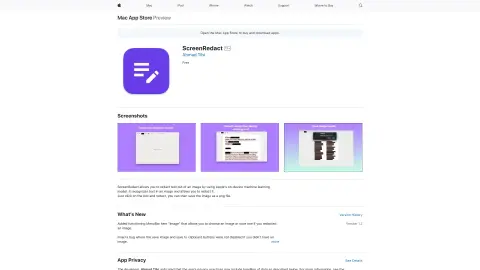
Introduction
Mac app for redacting text in images using on-device machine learning.
What is ScreenRedact?
ScreenRedact is a Mac application developed by Ahmad Tibi that allows users to quickly conceal sensitive information from images. It utilizes Apple’s native machine learning technology to identify text within images and provides a user-friendly interface for masking those areas. The modified images can then be saved in PNG format.
How to use ScreenRedact?
Open an image in ScreenRedact, and the application will automatically detect any text present. Click on the text to darken it. Save the darkened image as a PNG file.
The core functions of ScreenRedact
Using Apple’s native machine learning technologies for text masking/darkening.
Save the image in PNG format.
Copy the image to the clipboard.
Related
ChatPhoto: Ai Image To Text
AI tools that convert images into text and allow users to “converse” with the photos themselves.
Hypercharge AI: Parallel Chats
Mobile-first AI chatbot for parallel prompting and LLM benchmarking.
Overchat
A comprehensive AI platform that integrates multiple features—including ChatGPT, Claude, and Gemini—to deliver a smarter experience.
Everlyn AI
Build a platform for AI tutors that offers personalized learning experiences and automated assessment tools.
MathSolver.top
AI-based mathematical solvers and personalized tutoring tools for students.
MathGPT
MathGPTPro is an AI-powered interactive math and STEM homework help platform.