AI TOOL / #07146
ImageToText
An extension that copies text from images on the internet via the OCR.Space API.
Introduction
An extension to copy text from images on the internet using OCR.Space API.
What is the OCR.Space API AI Chrome extension/plugin?
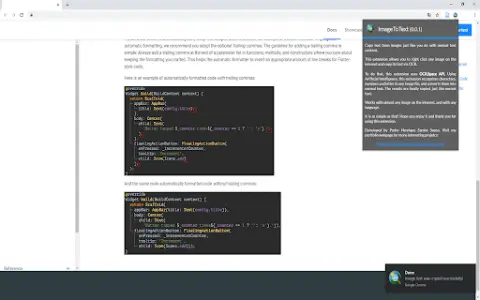
This extension lets you copy text from any image on the internet just like regular text content. Simple—that's the goal of this app. Just right-click the image, select “Copy Image Text,” and you're done… You can use and paste the text you see in that image. It's very useful for extracting text from informative, entertaining, and code-block images. Now you don't have to rewrite everything—with this extension, the problem is solved. To process images, this extension uses the OCR.Space API.
How do I use the OCR.Space API AI Chrome extension/plugin?
Right-click an image, select "Copy Image Text," and then paste the extracted text.
Core features of the OCR.Space API AI Chrome extension/plugin
Copy text from images on the internet.
Related
Pitch Patterns
An AI-driven quality control platform designed to analyze and improve sales and customer service calls.
SoundHound
Provide voice AI solutions for various industries, providing conversation intelligence and agent solutions.
Orai
An application based on artificial intelligence, designed for practicing public speaking and enhancing one's skills in this area.
SayFluent
An AI-based English learning platform that uses YouTube short videos for interactive practice.
Augnito
A plug-in that provides speech support for health records software, converting speech to text for efficient report generation.
Voiset
An AI-powered application for planning work and daily activities, featuring voice input and automatic scheduling capabilities.